
☝️ Admins can set on the Permissions page which roles are allowed to edit and/or delete snaps and forms. Read more in this article.
How to delete a snap or form on the Platform
Deleting a snap or a form is quite easy! If your role is allowed to do so, you'll find on the right bottom corner to each data a 'bin icon' to delete it, like this:

This action is not revertible on the platform. However, before deleting your data, you will see a pop-up message to confirm your action:

How to delete a snap or form in the Mobile app
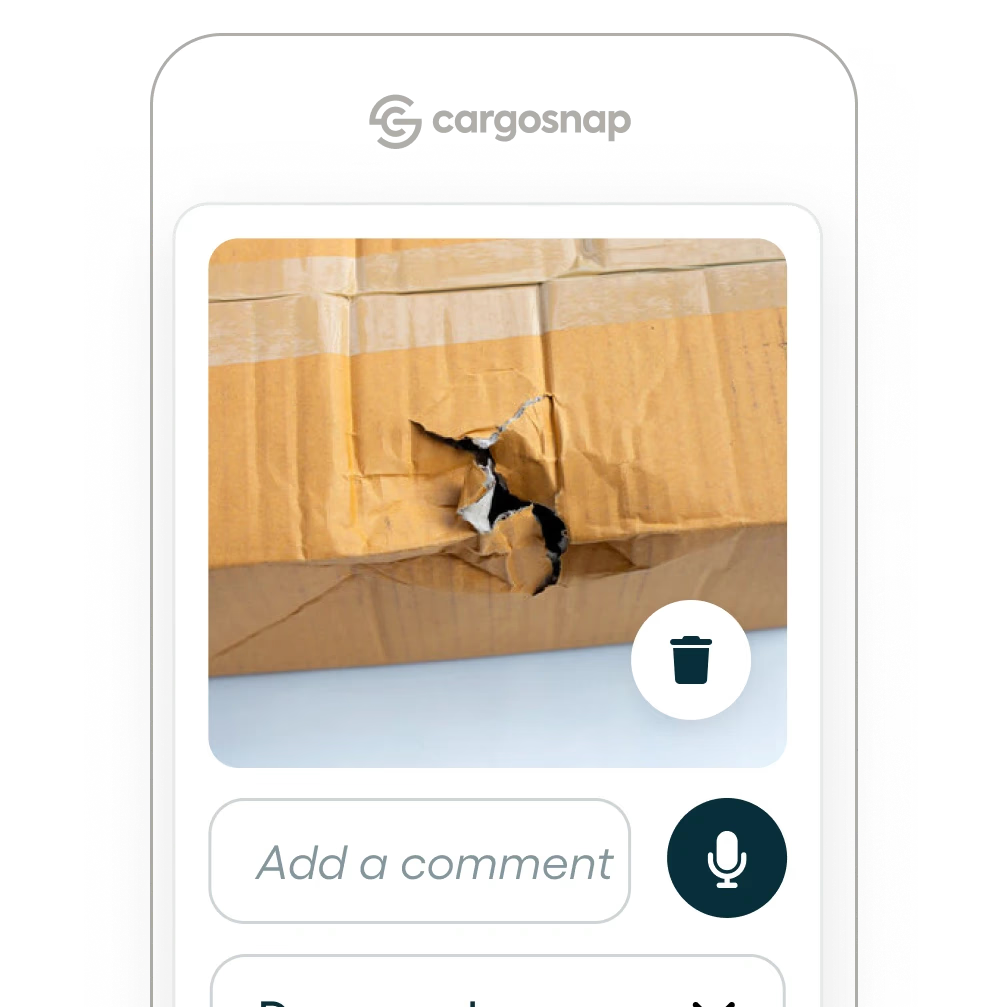
Snap:
The trash icon on the right bottom after a snap is taken allows you to delete the snap.
Serial snap:
It's possible to manage your serial snaps on the platform only (including the option to delete or edit a snap).
The serial snap feature in the mobile app does not provide the delete option as the snaps are send directly to the platform. This ensures 'realtime visibility' for platform users and no delays in the process.
Form:Still in need of help? Don't hesitateto contact our team!