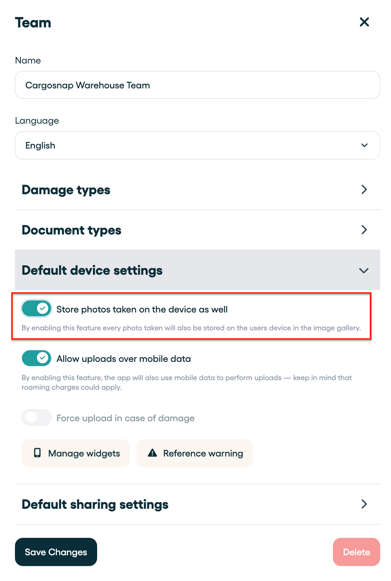
By enabling this feature every photo taken will also be stored on your device in the image gallery.
- Log in to the web platform
- Go to settings in the right bottom of your screen (orange logo)
- Go to 'Teams, devices and users'
- Go to 'Teams'
- Select your team
- Go to 'default device settings'
- Enable 'store photos taken on device as well'