
Why would you permanently delete a user?
-
No reference to a name and email
-
Compliance reasons
-
You want to re-use the email address for another account
Steps to permanently delete a user:
1. Open the Users page
2. Click the "Show deleted users" checkbox:

3. Now, you will see the users that have been deleted.
Select the user you wish to permanently remove from our database and click "Delete permanently"
See below:
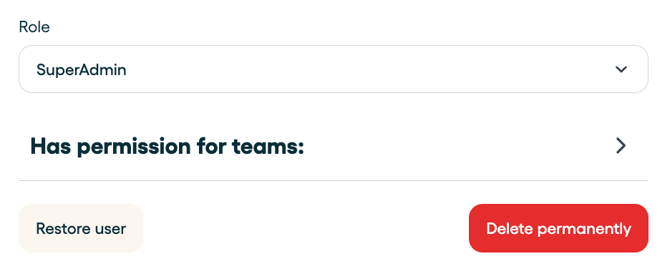
Warning: Please note that this is permanent and thus totally irreversible.