Use the same phone (hardware) for re-registration
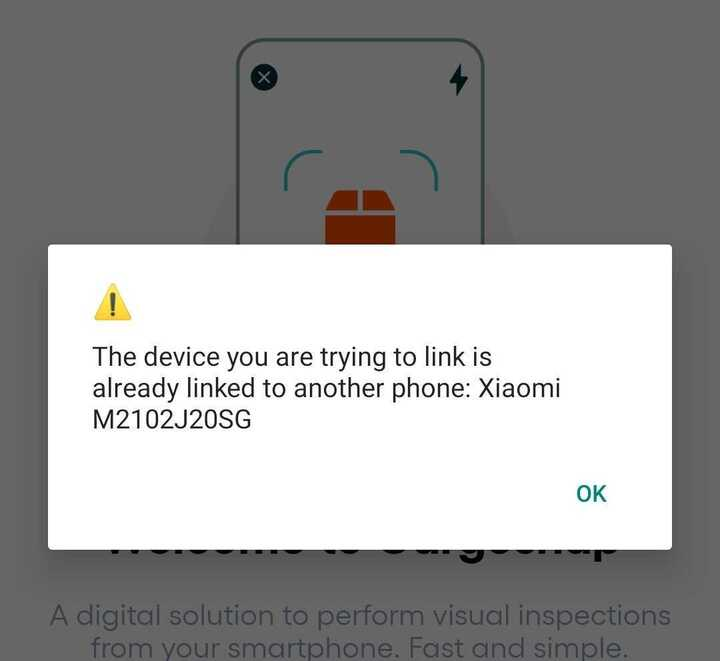
It's important to know that you can only re-register a device if you use the exact same piece of hardware (mobile phone, scanner, etc.). In other words: the same phone you were using before.
In case you are not using the same phone for re-registration, you will receive the below error message:
Why activate a device that was once deactivated?
These situations mostly occur when you:
- Are switching phones between team members
- Bought a new phone (e.g. when the previous one got broken or lost)
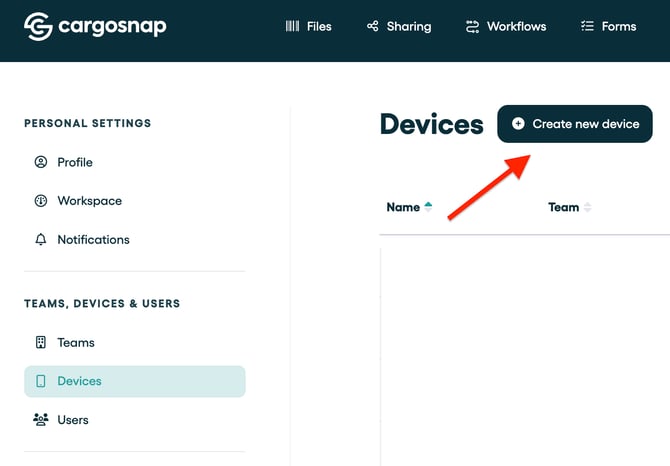
Create a new device on the platform
If you don't have the same phone at your disposal, you first have to create a new device on the platform (and perhaps delete the other one that didn't work). More information can be found here: 'How to add a device'.