
You probably tried adding a device, but got a message that you've reached a limit.
As a first, you may want to have a good look at the current devices in use. Maybe there's one that is no longer used or needed? In that case, just remove it from your account. This will not delete any of the data generated with that device, don't worry!
If there are no devices to remove, and you need to expand your license, that's really easy to do yourself:
☝️ Important: you need to have the role LicenseAdmin in order to perform this following task.
Upgrade your license:
-
In the upper right corner, click on your company name and navigate to "Billing"
-
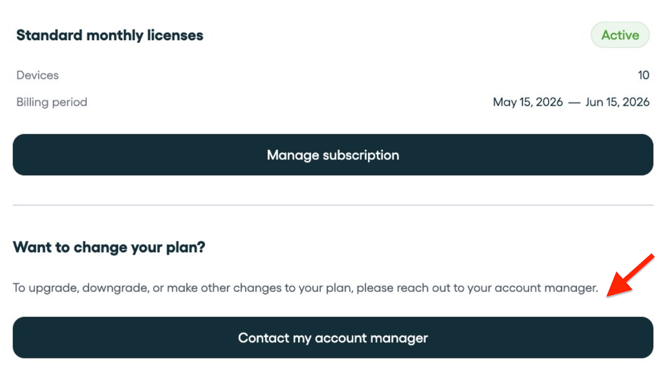
Click "Manage subscription".
-
Click 'Contact my account manager' and we will reach out to you as soon as possible.
That's it! Upon chat change, you are now able to add devices once over!