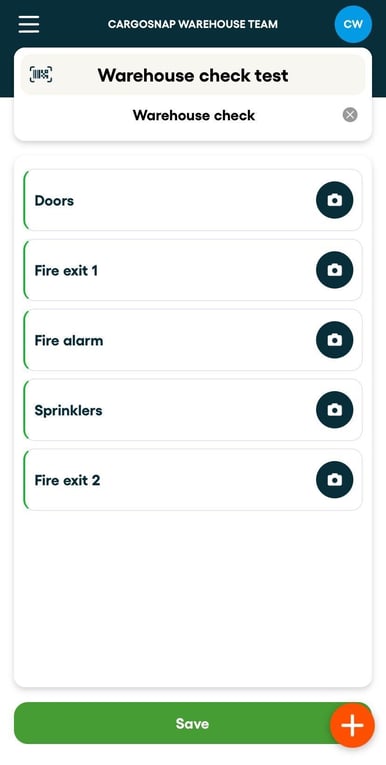
A form allows you to see the full process in one overview. You can start at any of these steps and follow your own path.
Step 1: Go on the platform an go to Forms, create a new form. More information on building forms in this article.
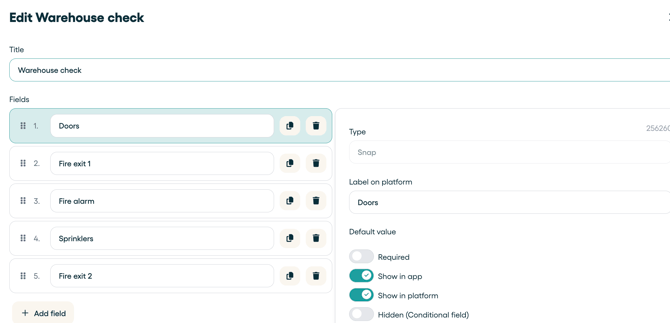
Step 2: Add the form to your Workflow. More information on building workflows in this article.
Step 3: Start the workflow that includes the Form step. In the form you directly see all the steps required. You can start at any of these steps and follow your own path.