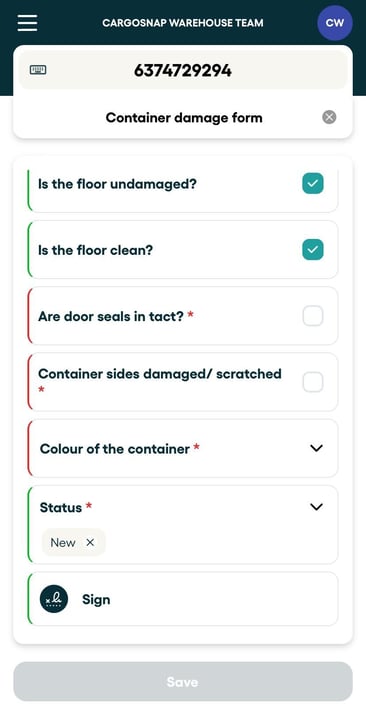
Well, let me highlight the key, most obvious differences:
-
A Field can be used to 'tag' a file with a value, which can be used to quickly find back the file. Examples include a Customer, a Product, or a Location field.
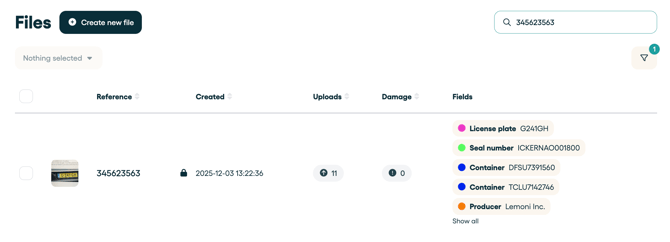
-
A Form contains multiple fields, grouped together into a tabular structure. Example use cases include a product inspection form, a damage form, or a timesheet.
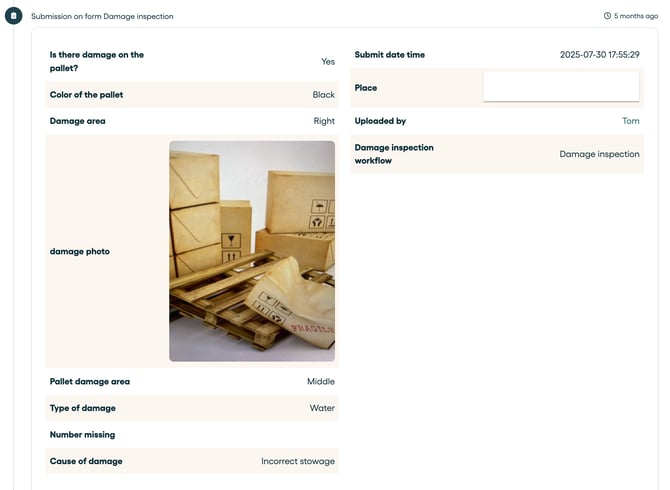
A field is what you will typically see at the top of a file, like header-information, while a form is in the content of a file.
For more details on the capabilities of these solutions, please check out this matrix:
| Forms | Fields | |
| Unlimited use | Yes | Yes |
| Fill in on Platform | Yes | Yes |
| Fill in on App | Yes | Yes |
| Use scanner in App to fill | No | Yes |
| Search file on content | Limited | Yes |
| Download all submits to a spreadsheet | Yes | No |
| Available via API | Yes | Yes |
| Available via Webhook | Yes | No |
| Color coding/highlights | No | Yes |
| Field types (number, text, select, etc.) | Yes | Yes |
| Geofence capability | No | Yes |
How Fields are displayed in your file
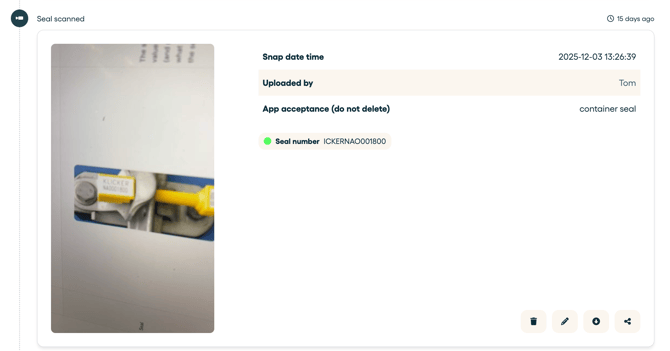
How Forms are displayed in your app