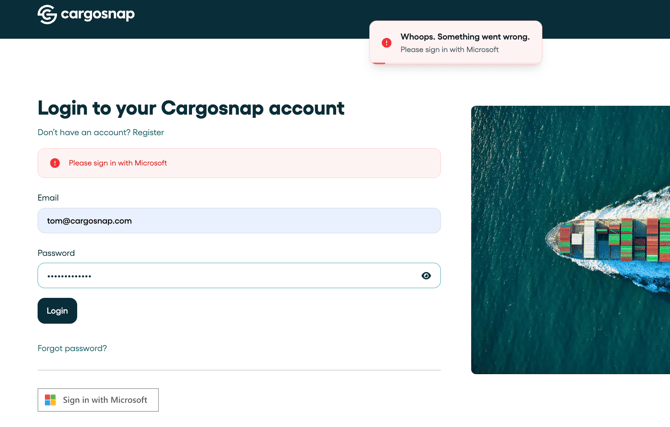
Passwords, passwords, passwords. Too many of those already and don't want to also keep up with the Cargosnap one?
Well, if you are an Office 365 or Microsoft Entra ID user (formerly Azure Active Directory or Azure AD), you can just hit the Sign in with Microsoft button and you can log on!

Hang on, does this mean Cargosnap needs my Office password?
No! That's so cool about this single sign-on option: essentially we ask Microsoft only if you are who you claim you are and we trust them to do that validation. If they confirm, you may enter!
Additional security using SSO
While it is pretty cool you have the option to sign on with the Microsoft account, you may have policies in your companies requiring you to log on with 2FA (two-factor authentication). SSO provides a simple and quick way to enforce that. If 2FA is enabled on your Entra ID, it will automatically apply to Cargosnap logons.
You can set the SSO logon option as the only way for your users to log on to Cargosnap. To do so, you need to:
-
be a SuperAdmin in Cargosnap,
-
Log on to the platform with a Microsoft account (this way we know your account properly validates)
-
Click 'Company Settings' and locate the 'Enforce SSO' option:

-
Consider that your users will have no other means than to log on with their Microsoft account, and if that is ok, confirm and save.

☝️ Note: Users' emails still need to be invited via the web platform. Read more here.
Now you're good to go: all new log-ons will require the use of your AD!
If a user tries to logon the without SSO, they will see the below message: