
⚠️ Warning:
All your pending/failed uploads will be lost once you deactivate your device.
Find out in this article how you can upload your pending/failed photos to the platform.
How to deactivate a device?
- Go to your Settings
- Go to "Devices"
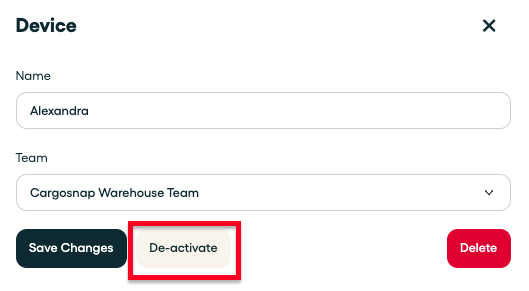
- Select the device you want to deactivate
- Select "Deactivate"
Re-register your device (after deactiving)
Important:
You can only re-register a device if you use the exact same piece of hardware (mobile phone, scanner, etc.). In other words: the same phone you were using before. More information in this article 'Re-register a device'.
Create new device:
If you lost/damaged your old phone or you simply bought a new one and you are now using a completely different type of hardware, this means you first have to create a new device on the platform. More information can be found here: 'How to add a device'.