You can edit your form results in the mobile app and the web app.
- Mobile app: Are you still in the form in the mobile app? Then you can still change an answer you've already filled in by tapping the cross (×) next to the answer.
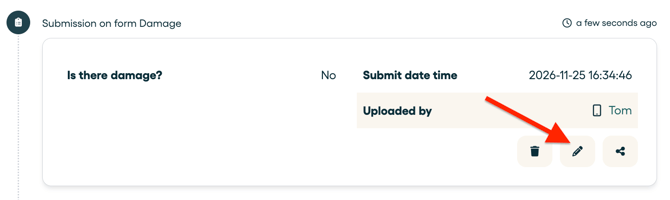
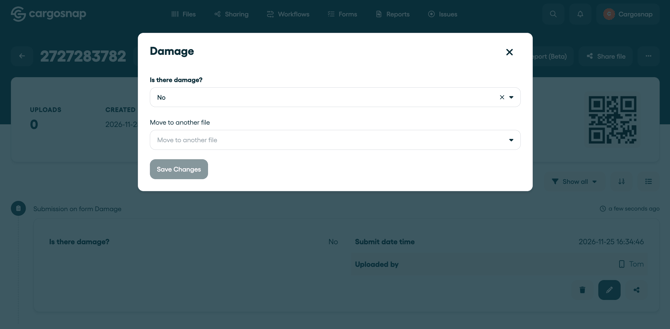
- Web app: Have you already saved the form in the mobile app and moved on to the next step in the workflow? Then, as you noticed, it's no longer possible to make changes. However, in the web app you can edit the form results. First, make sure your users have the right permissions for this in the web app. Once you've clicked at the pencil, you can change your answers or even move to form to another file.